

AUTOMATION
Stop doing the same admin tasks over and over again.
Every time a new referral comes in, you do the same five things. Every appointment needs the same three reminders. Carely automates the repetitive work so you can focus on delivering care.
VISUAL WORKFLOW BUILDER
Drag, drop, automate.
Carely's workflow builder lets you create automations visually. No coding, no technical skills required. Choose a trigger (form submitted, appointment booked, pipeline stage changed), add conditions (if/then logic), and set actions (send SMS, create task, send email, move to next stage). Build simple two-step automations or complex multi-branch workflows with conditional logic. See the entire flow on screen so you know exactly what happens and when.
- No coding or technical skills required
- Visual drag-and-drop interface
- Triggers, conditions, and actions in any combination
- Build automations that match exactly how your practice works
PRE-BUILT NDIS TEMPLATES
Don't start from scratch.
Carely comes pre-configured with automation templates designed for NDIS providers. Every template is fully customisable. Use them as-is or adapt them to your practice.
- New enquiry response. Instant SMS and email, plus intake task
- Intake workflow. Welcome sequence with forms and booking links
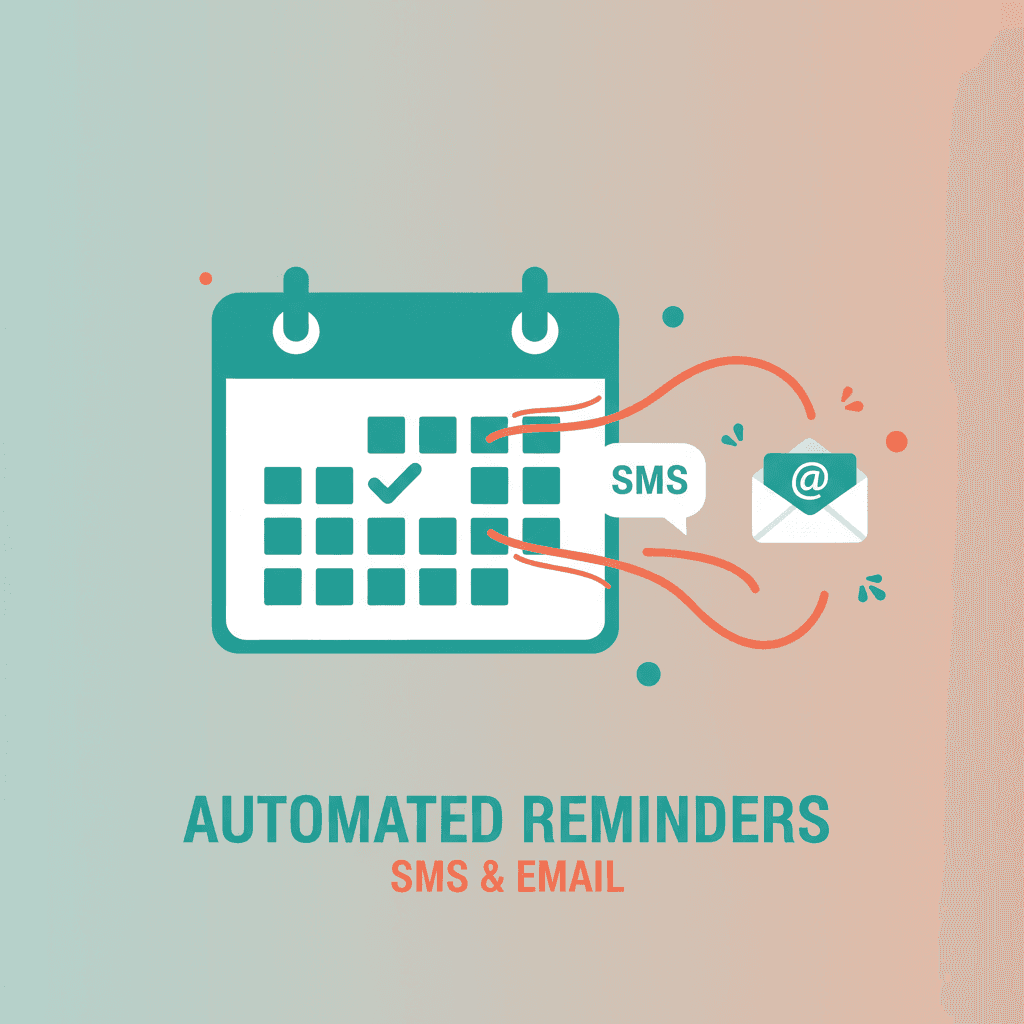
- Appointment reminders. SMS and email at 48 hours and 2 hours
- No-show follow-up. Automated rebooking message and team alert
- Plan review reminder. Outreach 60 days before review date
- Referral partner nurture. Regular check-in sequences
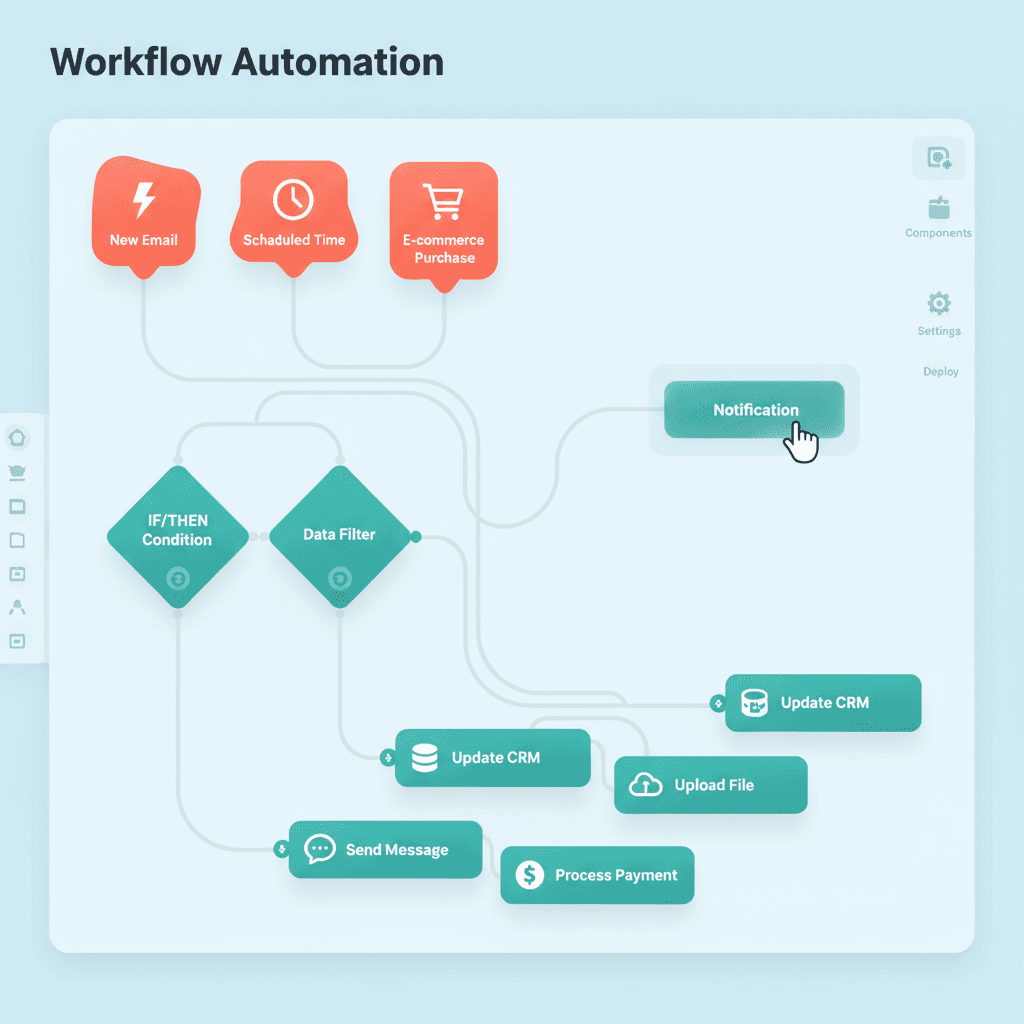
TRIGGERS, CONDITIONS & ACTIONS
If this, then that, but way more powerful.
Triggers start a workflow. Conditions add logic. Actions do the work. Chain these together to build workflows as simple or sophisticated as you need.
- Triggers: form submission, appointment booked, tag added, pipeline stage change
- Conditions: if tag equals, if time of day between, if contact replied
- Actions: send SMS, email, or voicemail; create task; move pipeline stage
- Wait steps. Pause a workflow for any defined period
- Webhooks. Send data to any external system
TASK AUTOMATION
Never let a follow-up fall through the cracks.
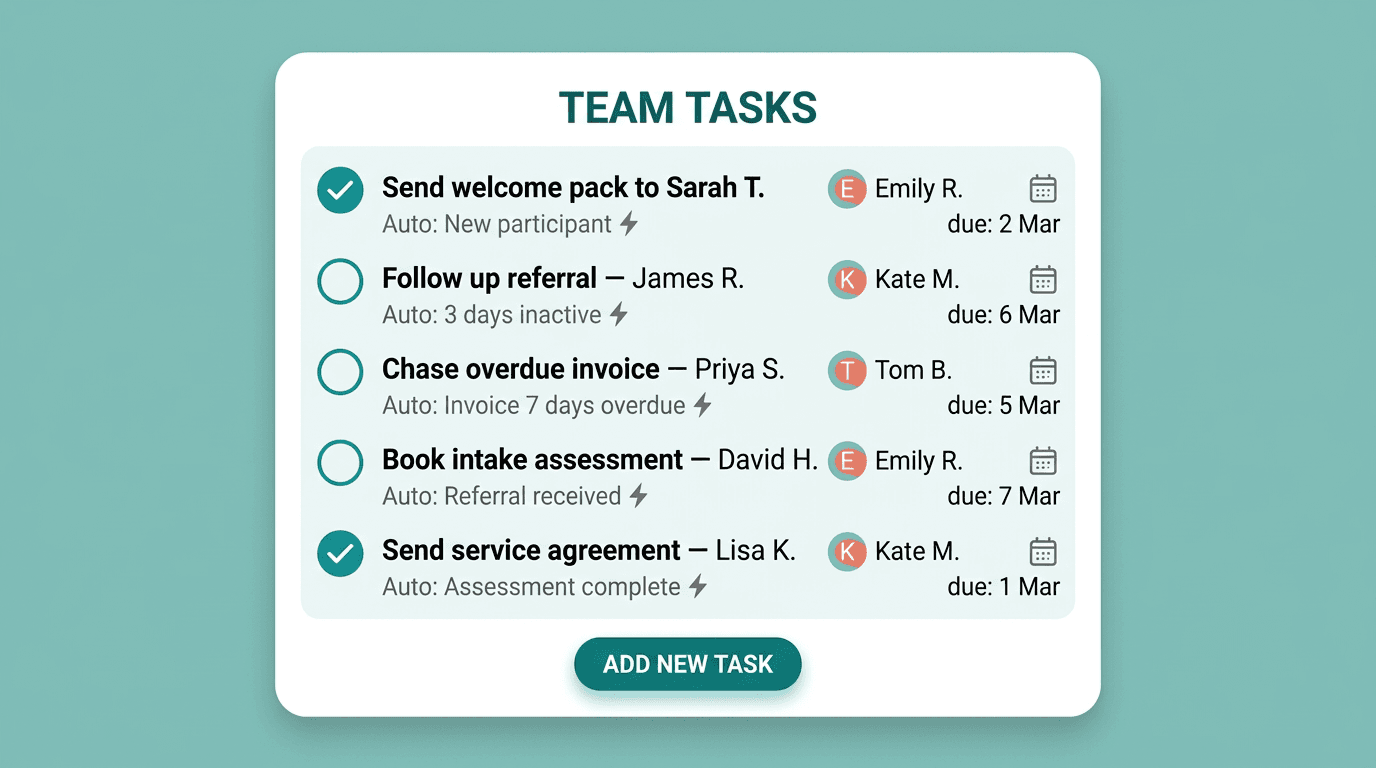
Automatically create and assign tasks when specific events happen. A new referral form is submitted? Task created for your intake coordinator. Participant moved to 'onboarding' stage? Task created to send the welcome pack. Invoice overdue by 7 days? Task created for follow-up. Each task has an assignee, due date, and description, all set automatically by the workflow.
- Tasks created automatically from workflow triggers
- Assigned to specific team members with due dates
- Never miss a follow-up during busy periods
- Your team always knows what to do next, without being told

Ready to automate your admin?
Book a 30-minute demo and we'll show you the automations that save NDIS providers the most time.