

SETTINGS & CONFIGURATION
Your platform. Configured your way.
Carely adapts to how your practice actually runs, not the other way around. Set up your team, configure your communication channels, connect your existing tools, and have your whole practice operating from one platform in an afternoon.
TEAM MANAGEMENT
The right people with the right access, no awkward workarounds.
Every NDIS practice has different people doing different things. Your practice manager needs full visibility. Your therapists need to see their own clients and calendars. Your admin staff need to handle bookings without touching anything financial. Carely's team management gives you three role levels out of the box: Admin for full platform access, Manager for contacts and reporting, and Staff for assigned contacts only. Invite team members by email. They set their own password and they're in. No IT department required.
- Admin role: full platform access including billing and settings
- Manager role: contacts, pipeline, calendar, and reports
- Staff role: assigned contacts and calendar only
- Invite by email. Team members set their own password, no IT required
- Adjust roles anytime as your team grows or changes
PHONE & SMS
A professional phone presence without a phone system.
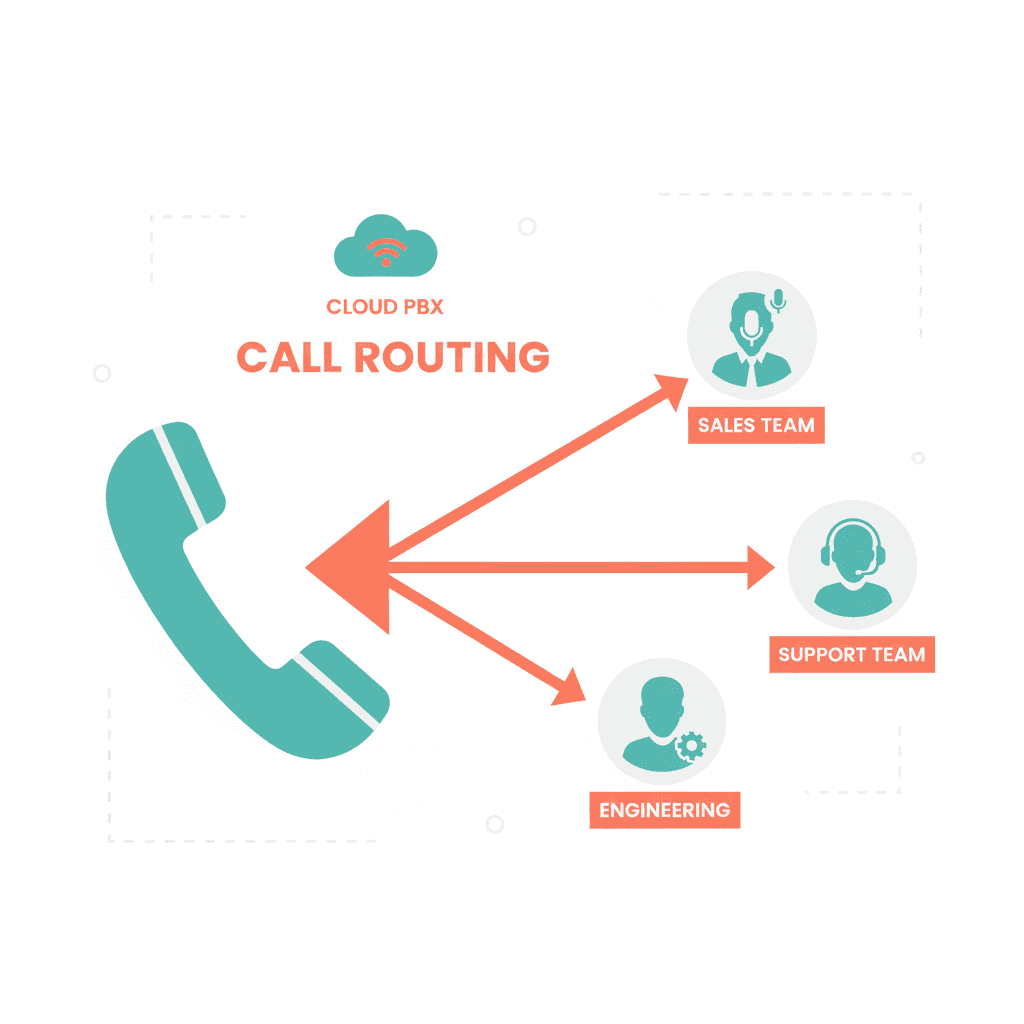
Carely gives your practice a dedicated business phone number for SMS and calling. Set your caller ID so outbound calls show your practice name, not an unknown number. Configure your SMS provider through Twilio or MessageBird, whichever suits your setup. All calls and SMS messages are logged against contact records automatically. When a participant texts your practice number, the message lands in the unified inbox, not someone's personal phone. NDIS participants and families are cautious about responding to unknown numbers. A consistent, named business number builds trust from the first contact.
- Dedicated business phone number for SMS and calling
- Caller ID shows your practice name, not an unknown number
- SMS provider configuration via Twilio or MessageBird
- All messages logged against contact records automatically
- Keeps practice communication out of personal devices
EMAIL SETUP
Send emails that look like they came from your practice.
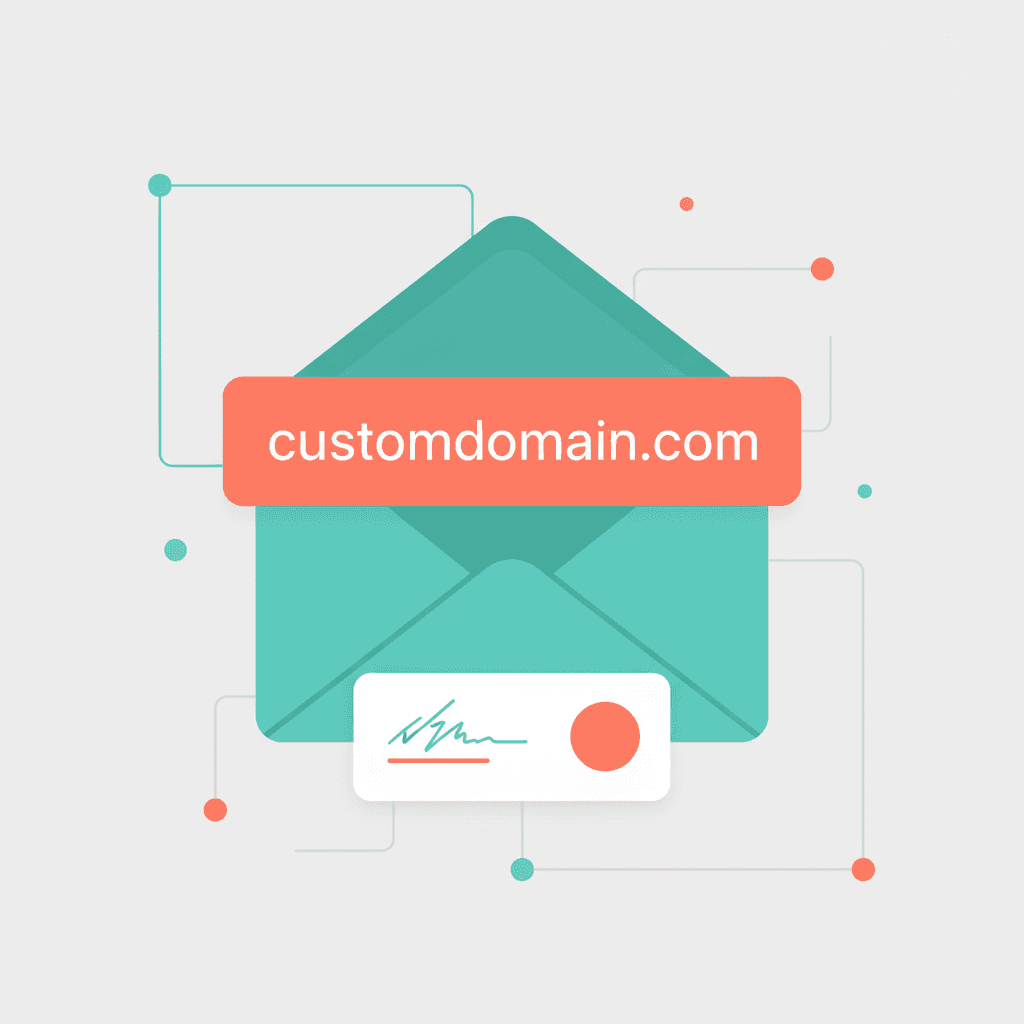
Configure your from name, from email address, and reply-to address so every email Carely sends on your behalf is properly attributed to your practice. Choose your email sending provider (Mailgun, SendGrid, or your own SMTP) depending on your existing setup and volume needs. Custom sending domains mean your emails arrive from hello@yourpractice.com.au, not from a third-party platform. Email settings apply across the whole platform: campaigns, automations, appointment reminders, and review requests all use your configured address consistently.
- Custom from name and from address. Your practice identity, not Carely's
- Support for Mailgun, SendGrid, or your own SMTP
- Custom sending domains for professional deliverability
- Settings apply platform-wide: campaigns, automations, reminders, review requests
INTEGRATIONS HUB
Connect the tools you already use, in a few clicks.
You didn't stop using Xero when you switched CRMs. You won't stop using Zoom for telehealth when you add Carely. The Integrations Hub is where you connect Carely to everything else your practice runs on, no developer needed. Connect each integration in a few clicks. The integrations tab shows which services are connected and lets you manage them from one screen.
- Stripe. Payment processing linked directly to contact records
- Xero. Accounting sync so financial data stays current
- Google Calendar. Two-way sync so appointments appear in both places
- Zoom. Video conferencing links auto-generated for telehealth appointments
- Zapier & Make. Connect Carely to thousands of other tools via automation

BUSINESS PROFILE
Set it once. Run it forever.
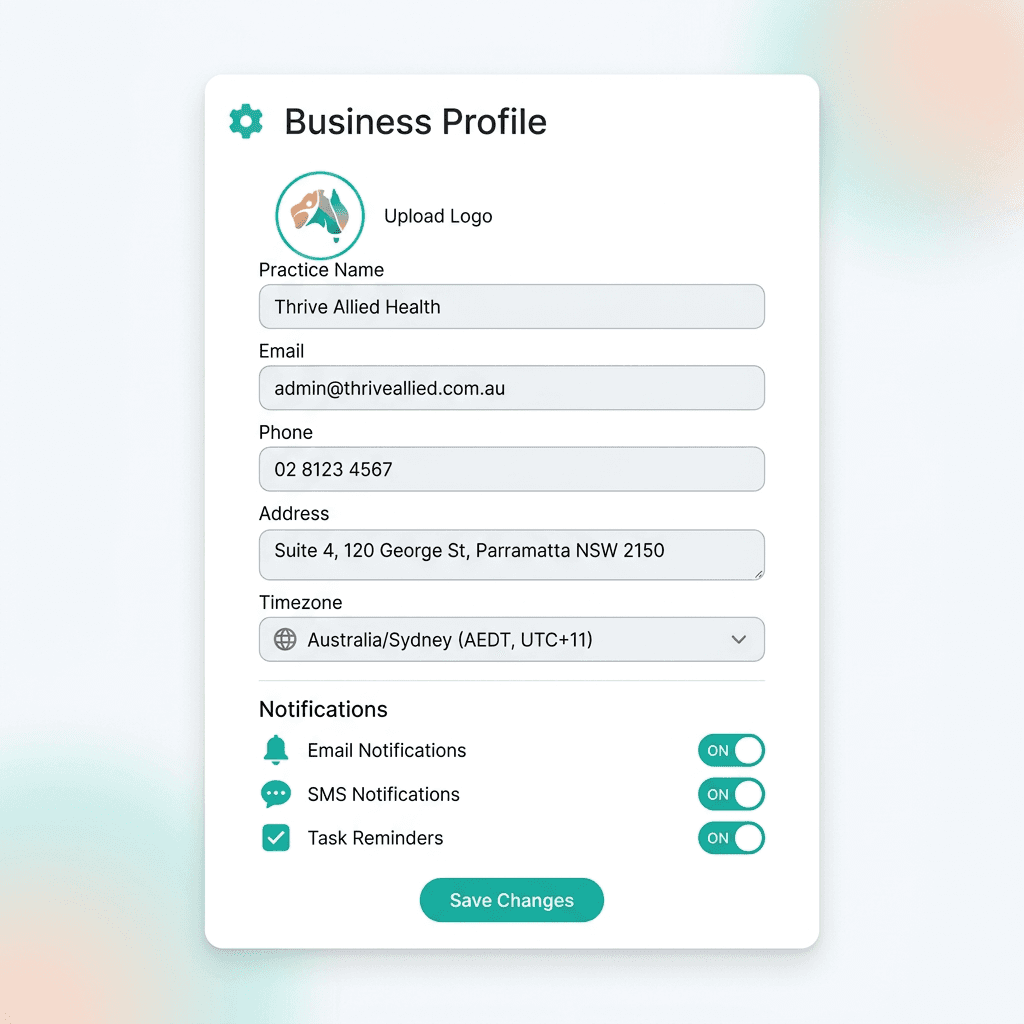
Your business profile is the source of truth for your practice details across the platform. Set your business name, primary email, phone number, and physical address. These appear in participant communications, email footers, and automated messages. Getting them right once means you never have to think about them again. Set your timezone (Australia/Sydney, Melbourne, Brisbane, Perth) and all appointments, automated messages, and scheduled sends use the right local time. No more accidentally sending an 8am message at 6am because the system was set to UTC.
- Business name, email, phone, and address. Appear in all participant communications
- Timezone configuration (AU/Sydney, Melbourne, Brisbane, Perth, etc.)
- Notification settings. Who gets alerted and for what
- White-label ready. Your practice identity, not Carely's

Ready to set up your practice the right way?
Book a 30-minute demo and we'll walk you through getting Carely configured for your team, from first login to fully operational in an afternoon.